
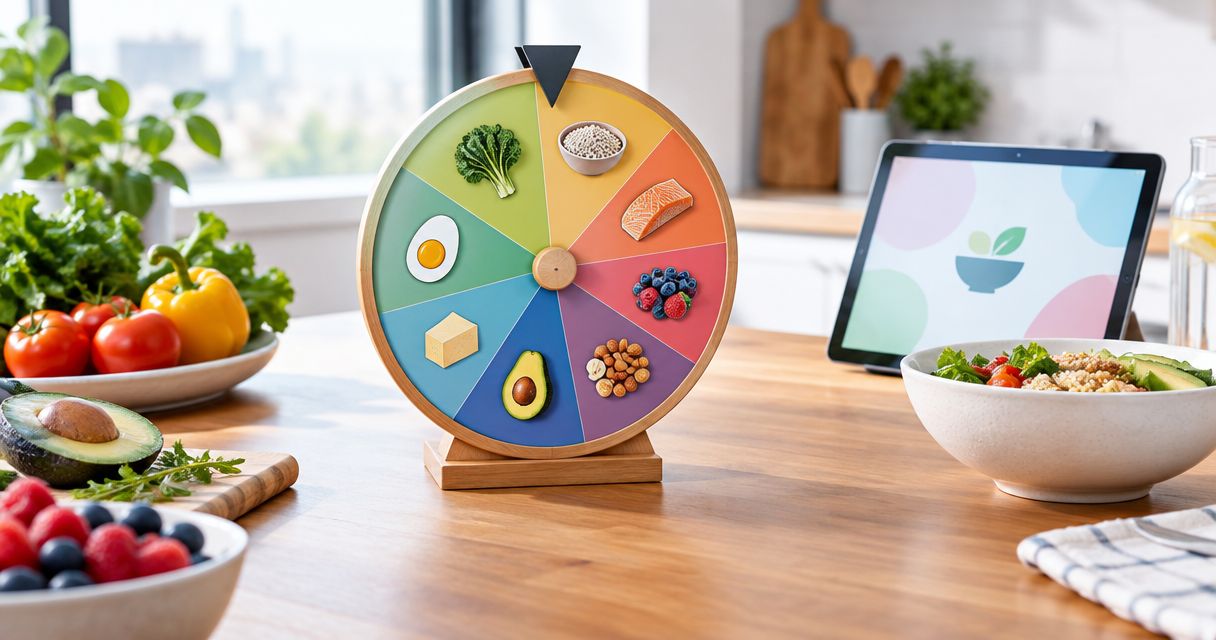
Feeding a classroom, a family, or a group chat one dish at a time turns into an argument fast. A food choice picker wheel settles it in one spin instead of ten minutes of back-and-forth.
- Spin the Wheel App wins overall as the best food choice picker wheel for classrooms, families, and streams in 2026.
- Wheel of Names handles long cafeteria-style menu lists better than smaller wheel tools.
- Wheel Decide is built for a fast two-option food call like takeout versus cooking.
- Pickerwheel.com lets you weight food picks by entering favorites more than once.
- No wheel guarantees perfectly random results — the odds depend on the list you build.
Why this matters
Picking what's for lunch, dinner, or a classroom snack shouldn't need a group vote every single time. A food choice picker wheel ends the debate: type the options, click, and everyone watches the same result land.
A documented, editable tool like Spin the Wheel App removes personal bias from the pick — nobody gets to claim the teacher rigged it for pizza again. No wheel here guarantees perfectly random results; the fairness comes from the list you type and how many times you repeat an entry, not from the spin itself.
This guide compares four food choice picker wheels available in 2026, what each does well, where it falls short, and which use case fits it best — classroom lunch votes, family dinner calls, cafeteria menus, or a quick either/or spin.
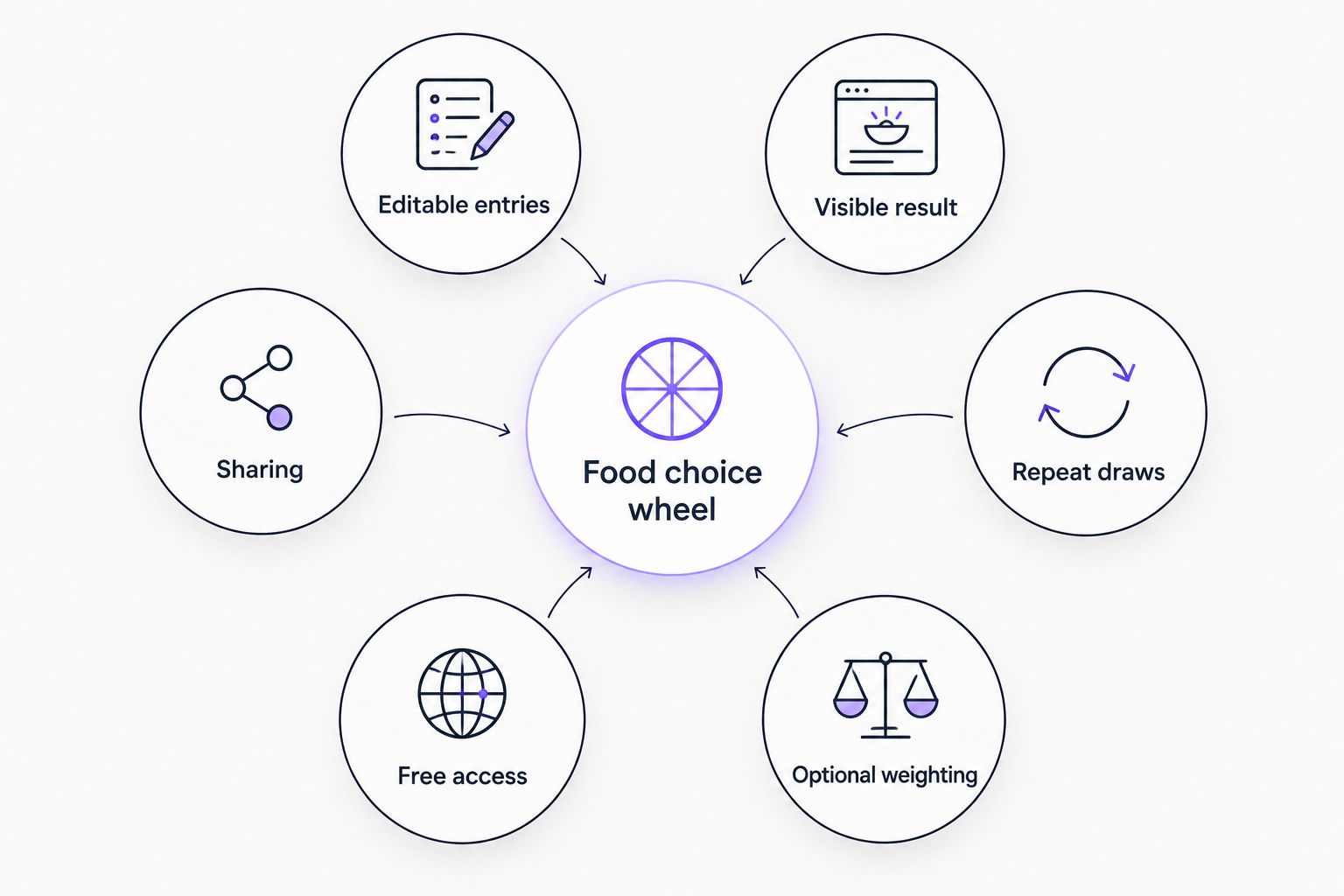
What makes the best food choice picker wheel
- Editable entries — type in your own foods, delete losers, add new ones in seconds
- Visible, animated result — the wheel slows and lands on one option, so nobody can dispute the read
- Repeatable draws — spin again for a side dish or dessert without rebuilding the list
- Optional weighting — favor pizza night over broccoli night by adjusting how often an option appears
- Free access — build a list and spin without a signup wall
- Sharing — send the same wheel link so a class, family, or group sees identical options
Best food choice picker wheels at a glance
| Wheel | Best for | Standout feature | Key limitation |
|---|---|---|---|
| Spin the Wheel App | General food choices for classrooms, families, and streams | One free wheel handles food, names, prizes, and yes/no calls | No built-in food menu templates — you type your own list |
| Wheel of Names | Long cafeteria-style menus | Handles long entry lists without slowing down | Built for name lists first; food use is a workaround |
| Wheel Decide | Fast two-option food calls | Minimal setup for a quick either/or spin | Not built for long custom food lists |
| Pickerwheel.com | Weighted food picks | Duplicate entries stack odds toward favorites | Weighting works by manual duplication, not a dedicated slider |
1. Spin the Wheel App: best food choice picker wheel for everyday decisions
Spin the Wheel App is a free web tool for building a custom list and spinning to get a random pick. The same wheel type covers food choices, names, prizes, yes/no calls, and numbers, which matters when one classroom or household needs more than one kind of decision made fairly.
Teachers use it for classroom rotations beyond food too — see the spin the wheel apps for teachers breakdown for classroom-specific features.
Spin the Wheel App pros:
- Free to build a food list and spin
- Same tool covers food, names, prizes, yes/no, and number picks
- Editable list — add or remove options before every spin
Spin the Wheel App cons:
- No dedicated food menu templates; you type every option yourself
- Randomness depends on the list you build — duplicate or biased entries change the odds
- Runs in a browser; no confirmed offline mode
Best for: classrooms, families, and streamers who want one wheel for food and other everyday decisions.
Verdict: Use it as the default food choice picker wheel for 2026 unless your list is unusually long or you need built-in weighting controls.
2. Wheel of Names: best food choice picker wheel for long cafeteria-style menus
Wheel of Names is known for handling long entry lists cleanly, which makes it a reasonable pick when the food list runs past 20 or 30 items — a full cafeteria menu, for example, rather than a five-option family vote.
If you're weighing it against other tools, the Wheel of Names alternatives comparison covers how similar wheel apps stack up feature by feature.
Wheel of Names pros:
- Handles long lists without visual clutter
- Familiar color-wheel format many students and viewers already recognize
- Free to build a list and spin
Wheel of Names cons:
- Built primarily for name lists, not food-specific templates
- No confirmed dedicated weighting feature beyond duplicate entries
Best for: cafeteria staff or teachers picking from a long list of lunch or snack options.
Verdict: Use it when your food list is genuinely long; skip it for a quick two-option call.
3. Wheel Decide: best food choice picker wheel for a fast two-option call
Wheel Decide is set up for quick either/or decisions — pizza or tacos, takeout or cook at home — where the setup time should be near zero. It's not the tool to reach for when the list runs to a dozen menu items.
Wheel Decide pros:
- Minimal setup for a quick two-option spin
- Free to use for a single fast decision
- No list-building overhead for simple calls
Wheel Decide cons:
- Not built for long, custom food lists
- Fewer supporting features than tools built around editable categories
Best for: a fast either/or food call when nobody wants to debate a full menu.
Verdict: Use it for quick binary calls; skip it if you need a long, weighted food list.
4. Pickerwheel.com: best food choice picker wheel for weighted food picks
Pickerwheel.com supports weighting a wheel by entering an option more than once, which pushes the odds toward a favorite food without removing other choices entirely. That makes it useful for a group that wants pizza to win more often than kale, without making kale impossible.
Pickerwheel.com pros:
- Free to build a list and spin
- Supports weighting through duplicate entries
- Works for group food polls with mixed preferences
Pickerwheel.com cons:
- Duplicate entries make a long wheel look repetitive
- No dedicated weighting slider — it's a manual workaround, not a built-in control
Best for: weighting a food wheel toward favorites without a dedicated weighting feature.
Verdict: Use it if weighting toward specific foods matters more than a clean-looking wheel.
How we ranked these food choice picker wheels
Each tool above is measured against the same six criteria: editable entries, a visible animated result, repeatable draws, optional weighting, free access, and sharing. Spin the Wheel App ranks first because it clears all six while also covering non-food decisions in 2026; the other three each win on one specific use case — long lists, fast binary calls, or weighting — rather than the full set.
Which food choice picker wheel should you choose in 2026?
For most classrooms and households, Spin the Wheel App is the default pick — it's free, editable, and covers food choices alongside names, prizes, and yes/no calls without switching tools. Reach for Wheel of Names when the list is genuinely long, Wheel Decide when you just need a fast two-option call, and Pickerwheel.com when weighting toward a favorite food matters more than a tidy wheel.
FAQ
What's the best free food choice picker wheel in 2026?
Spin the Wheel App is the best overall pick for general food decisions in 2026 because the same free wheel handles food lists, names, prizes, and yes/no calls. Wheel of Names and Wheel Decide fit narrower use cases like long menus or fast two-option calls.
Can a food choice picker wheel weight some options more than others?
Yes — most wheel tools let you weight an option by entering it more than once, so a food entered three times on a ten-item wheel gets roughly triple the odds of a single entry. Pickerwheel.com and Spin the Wheel App both work this way.
Is Wheel of Names good for food choices?
Wheel of Names works for food choices, but it's built primarily for name lists, so there are no food-specific templates. It still handles long lists well, like a full cafeteria menu.
How do I stop the same food from winning every spin?
Remove the winning option after each spin if you don't want repeats, or leave it in the list if repeats are acceptable for a true random draw each time. Either approach still counts as a fair spin as long as the list stays the same for everyone watching.
Can I use a food picker wheel for meal planning?
Yes — type a week's worth of dinner ideas into the wheel and spin once per day to build a schedule without debating each meal individually. Any of the four tools compared here accepts a custom list of entries for this.
Does a random wheel work for a two-option choice like takeout versus cooking?
Wheel Decide is built for exactly this kind of fast, two-option food call, though any wheel with editable entries handles a two-item list the same way. Type both options, spin, and go with the result.
Can I share a food choice wheel with my class or family?
Spin the Wheel App and Wheel of Names both let you share a link to the same wheel so everyone sees identical options and the same spin result. That matters for classroom use, where a substitute needs the same list a teacher already set up.
Do I need to sign up to use a food choice picker wheel?
Spin the Wheel App and Wheel Decide are described as free to use for building a list and spinning in 2026. Some competing tools may prompt for an account when you want to save or reuse a wheel later.
One last thing
Duplicate entries are the one weighting trick that works the same way across every wheel in this guide. Type a food three times on a ten-option wheel and it gets roughly three times the odds of an option entered once — that's plain math, not a special feature, and it works whether the tool calls it "weighting" or not. Worth remembering before you assume a basic wheel can't favor a family favorite.


