
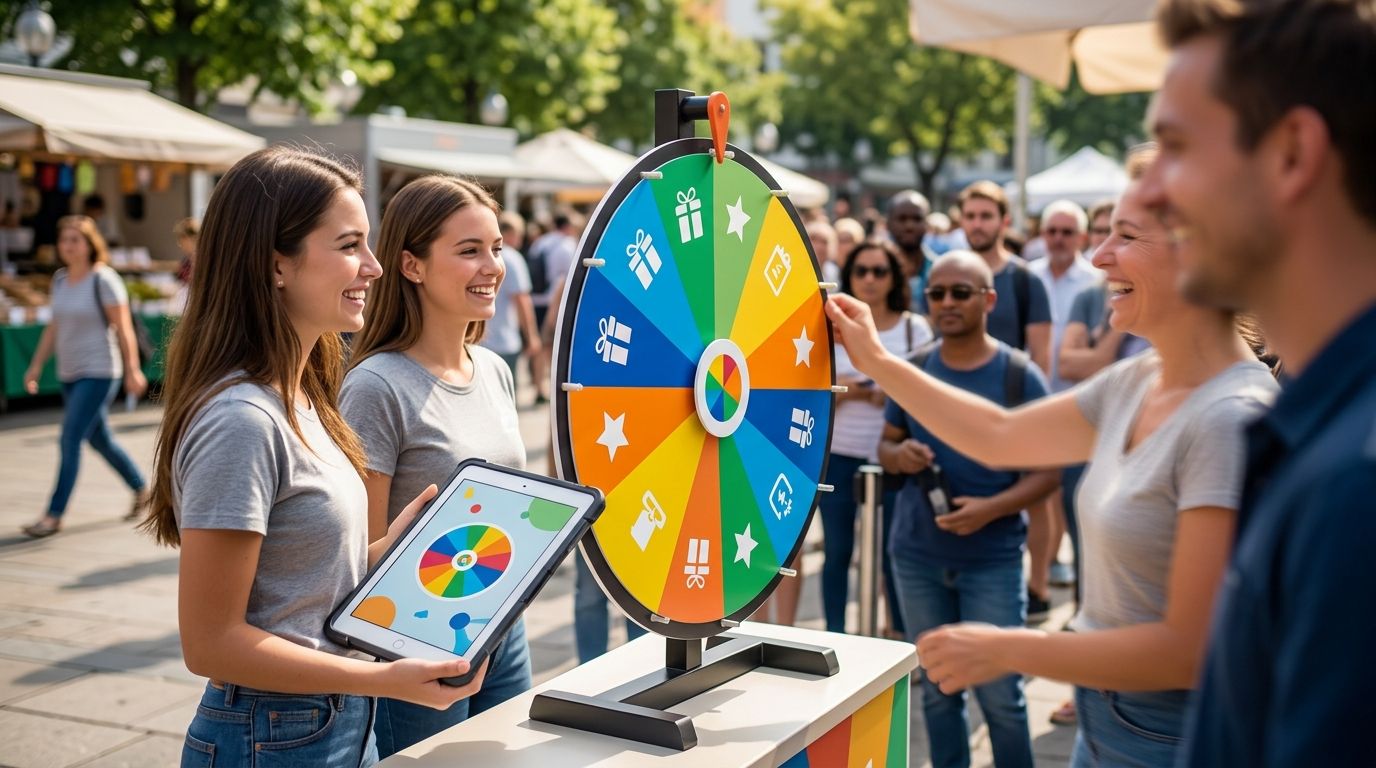
Picking a winner for a giveaway has to look fair, not just be fair — the wheel needs to spin in public, show every entry clearly, and land on one name without anyone arguing the draw was rigged. This guide ranks the prize wheel apps worth using for giveaways in 2026, from free unlimited-entry wheels to picture-based prize tiles.
- Spin the Wheel is the best prize wheel app for giveaways in 2026 — free, unlimited entries, no login required.
- Wheel of Names fits giveaways with hundreds of entrants; the list stays readable even when crowded.
- Picker Wheel lets you drop prize images into each wedge instead of plain text labels.
- Wheel Decide is built for one quick decision, not a repeat giveaway draw.
- A prize wheel app for giveaways should let you remove a winner and spin again for multi-round contests.
Why this matters
A giveaway wheel only works if the audience trusts it. Entrants want to see their name listed, watch the spin happen live, and know the landing spot wasn't picked in advance. That's the entire job of a random picker wheel: list every option, spin once, land on a single winner, and repeat the process if the contest rules call for more than one prize.
Most disputes about giveaway fairness in 2026 come down to two things: entrants who can't verify they were actually on the wheel, and organizers who can't repeat the exact same process for a second or third prize. The apps below solve that differently — some prioritize list size, some prioritize visuals, one uses a slot-reel instead of a wheel at all.
What makes the best prize wheel app for giveaways
- Editable entrant list — paste or type names and prizes without hitting an artificial character cap
- Visible, legible results — the winner shows large on screen, not buried in a small popup
- Repeat draws — remove the winner and spin again, or keep everyone in for multiple prizes
- Optional weighting — adjust odds when contest rules require unequal chances
- Sharing and embedding — a link or embed code the audience can actually watch live
- No login or install barrier — lower friction matters when the whole point is public trust
Prize wheel apps for giveaways at a glance
| App | Best for | Standout feature | Key limitation |
|---|---|---|---|
| Spin the Wheel | Giveaways of any size, no login | Unlimited text entries: names, prizes, numbers, yes/no, food choices | No per-segment image tiles |
| Wheel of Names | Giveaways with large entrant lists | Handles long name lists without shrinking text to unreadable size | Interface built around names, not prize graphics |
| Picker Wheel | Prize wheels that need images | Image upload per wedge | Long lists crowd the image layout |
| Wheel Decide | Quick one-off decisions | Minimal setup, fast single spin | No built-in remove-winner flow for repeat rounds |
| ClassTools Fruit Machine | Slot-machine-style prize draws | Slot reel format instead of a spinning wheel | Fewer names visible per spin, harder to audit with big lists |
1. Spin the Wheel: best prize wheel app for giveaways overall
Spin the Wheel is a free, customizable picker wheel built for names, prizes, yes/no calls, numbers, and food choices — the exact mix a teacher, event organizer, or streamer needs for a live giveaway. Entries go in one per line and the wheel spins in the browser with no account required.
Spin the Wheel pros:
- Free to use, no login required for a public giveaway
- Supports multiple entry types beyond just names — prizes, numbers, food choices
- Simple enough to hand off to a co-host or substitute running the draw
- Works the same way every time, which matters for repeat contests
Spin the Wheel cons:
- Entries are text only; there's no per-segment image upload the way Picker Wheel offers
- One wheel format — no slot-reel or card-flip alternative for organizers who want variety
Best for: giveaways of any size that need a free, no-login picker wheel. Verdict: Buy.
2. Wheel of Names: best for giveaways with large entrant lists
Wheel of Names is built around name lists and stays usable even when a giveaway pulls in hundreds of entries. It's a fit for raffles or contests where the entrant count is the main challenge, not the prize display.
Wheel of Names pros:
- Handles very long entrant lists without forcing you to trim names
- Confetti and sound on the win, which reads well on a live stream
- Familiar interface for anyone who's run a classroom or office raffle before
Wheel of Names cons:
- Built for names specifically — less natural for prize or food-choice wheels
- More setup steps if your giveaway mixes names with other entry types
Best for: giveaways with a large entrant pool where list size is the priority. Verdict: Buy for big raffles.
3. Picker Wheel: best for image-based prize wheels
Picker Wheel lets you drop an image into each wedge instead of typing a text label, which matters when the giveaway is showing off physical prizes rather than announcing names.
Picker Wheel pros:
- Image tiles per segment make the prize itself the visual
- Quick setup for a small number of prize options
- Works fine on mobile for a quick in-person draw
Picker Wheel cons:
- Long entrant or prize lists crowd the image layout and shrink each tile
- Fewer customization options if you're running a text-only giveaway
Best for: prize wheels where the visual matters more than the name. Verdict: Buy for visual prize giveaways.
4. Wheel Decide: best for a quick one-off decision
Wheel Decide is built for a single fast spin — type a short list of options, hit spin, get an answer. It's not designed around repeat giveaway rounds.
Wheel Decide pros:
- Minimal interface, nothing to configure
- Fast for a single yes/no or pick-one decision before an event
Wheel Decide cons:
- No dedicated remove-winner flow for a multi-prize giveaway
- Limited customization for prize visuals or entrant formatting
Best for: a quick single spin, not a full giveaway campaign. Verdict: Hold — fine for one decision, skip for a real contest with multiple rounds.
5. ClassTools Fruit Machine: best for slot-machine-style draws
ClassTools Fruit Machine swaps the wheel for a slot-reel format — reels spin and stop on a name, which reads differently than a wheel landing on a wedge. It's aimed at small groups rather than public giveaways.
ClassTools Fruit Machine pros:
- A different visual than a wheel if you want variety across events
- Works well for small groups, like a classroom-sized draw
ClassTools Fruit Machine cons:
- Reels show fewer names per spin, which makes it harder to audit fairness with a large list
- Not built around prize themes or giveaway-specific features
Best for: organizers who want a slot format instead of a wheel, usually for small internal draws. Verdict: Skip for large public giveaways; fine for small internal ones.
“If you can't remove a winner and spin again, the wheel isn't built for a multi-round giveaway.”
How we ranked these
Each app was measured against the same six criteria: editable entries, legible results, repeat-draw support, optional weighting, sharing, and login friction. The apps that keep entries editable and results visible without an account move to the top; the ones built for a single narrow use case — a slot reel, a one-off decision — rank lower even when they do that one thing well. This holds for 2026 the same way it held in prior years: fairness features matter more than visual polish for a public giveaway.
For giveaways centered on people's names specifically rather than prizes, the best random name picker wheels get a dedicated comparison of their own.
Which prize wheel app should you choose?
For most giveaways in 2026, Spin the Wheel is the default pick — free, no login, and flexible enough for names, prizes, or food choices in one tool. Swap to Wheel of Names once your entrant list runs into the hundreds, and reach for Picker Wheel the moment the giveaway is really about showing off prize images rather than announcing a name. Wheel Decide and ClassTools Fruit Machine fill narrower jobs — a quick single decision or a small internal slot-style draw — and shouldn't be the primary tool for a public giveaway campaign.
FAQ
What's the best prize wheel app for giveaways in 2026?
Spin the Wheel is the best overall pick for most giveaways in 2026 because it's free, requires no login, and supports names, prizes, numbers, and food-choice entries. Larger entrant lists may fit Wheel of Names better, and prize wheels needing images fit Picker Wheel.
Is Wheel of Names better than Spin the Wheel for giveaways?
Wheel of Names is better specifically for giveaways with very large entrant lists, since the interface stays readable with hundreds of names. Spin the Wheel is the broader pick for mixed entry types like prizes and food choices, not just names.
How do I make sure a prize wheel giveaway looks fair?
List every entrant on the wheel before spinning and run the spin live so the audience can watch it happen in real time. Avoid pre-selecting a winner or re-spinning quietly if the first result is unpopular.
Can I remove a winner and spin again on a giveaway wheel?
Most prize wheel apps let you remove a winning entry so the next spin only includes remaining entrants, which is necessary for multi-prize giveaways. Wheel Decide is the exception on this list since it's built for a single spin, not repeat rounds.
Do prize wheel apps cost money?
Spin the Wheel is free to use with no login required. Pricing on other apps varies, so check the current terms on each site before assuming a feature is included.
Can a prize wheel app be used for live streaming giveaways?
Yes — a shareable link or on-screen spin works well for streaming, since viewers can watch the entrant list and the spin happen without joining anything. Sound and confetti effects, where available, add to the moment on stream.
What should I look for in a random picker wheel for giveaways?
Look for an editable entrant list, a large legible results display, the ability to repeat draws, and a shareable link. Weighting is a bonus feature needed only when contest rules call for unequal odds.
Is a slot-machine picker better than a spinning wheel for fairness?
Not generally — a slot reel shows fewer names per spin, which makes it harder for a large audience to verify every entrant was included. A spinning wheel with a full visible list is easier to audit for a public giveaway.
One last thing
The cheapest fix for a fairness dispute costs nothing: type every entrant's name in the order they entered, then spin once on screen and leave the result visible instead of clearing it right away. A screenshot of the wheel mid-spin, with the full list still showing, settles most "were they even entered" arguments before they start — and it works the same in 2026 as it did the first time someone ran a giveaway wheel in a live chat.